


Security Recommendations
We provide a comprehensive list of vulnerabilities and remediation options on this page for our visitors’ reference. However, we would like to inform you that EireaNet, Inc. offers a free of charge automated mitigation service to our monthly subscribers. This service is designed to detect and remediate any vulnerabilities or other security issues on your system.

Our mitigation service is constantly updated with the latest threats and vulnerabilities, ensuring that our subscribers are always protected against the latest security threats.

Protect your business with our free mitigation services:
In addition to the automated mitigation service, EireaNet, Inc. also provides personalized consulting for businesses that require a more tailored approach to their security needs. Our team of experts can conduct thorough security assessments and provide customized recommendations to address specific vulnerabilities within your system.
Covered Categories.
-

Container Security Best Practices
In this article, we cover the advanced practices for container security, with emphasis on the importance of maintaining short-lived secrets, secure service-to-service communication using service meshes and mTLS, runtime security monitoring with eBPF-based tools like Tetragon, intrusion detection, zero trust architectures, automated security policies, admission controllers, image signing, and container security practices based on different… Read more
Last Modified:
-
Kubernetes Security Best Practices
Kubernetes security refers to the measures and practices adopted to protect Kubernetes environments from unauthorized access and cyber threats. Kubernetes, being an open-source platform for automating the deployment, scaling, and operation of application containers across clusters of hosts, requires comprehensive security strategies due to its complex and dynamic nature. Read more
Last Modified:
-
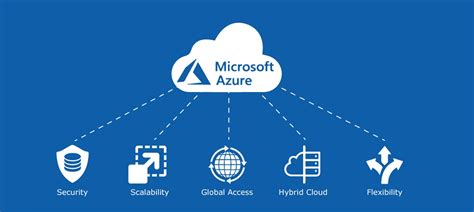
Azure Security Best Practices
We understand that security is a top priority for organizations that have a strong presence in Azure. We know that implementing security measures can be daunting, but don’t worry, we’ve got you covered with some straightforward solutions that you can quickly put in place. Read more
Last Modified:
-
Security controls (Antivirus)
The Microsoft Defender Antivirus status reflects the real-time protection disabled, posing a risk to essential AV functions. To mitigate, adjust the Group Policy to set real-time protection to “Disabled” or “Not Configured.” Enabling scanning of removable drives during full scans is crucial for Windows 10 (version 1709+), safeguarding against external malicious software. Setting the Group… Read more
Last Modified:
-

Security controls (BitLocker)
BitLocker Drive Encryption is a vital security feature for Windows 10 (version 1803 or later) and Windows Server 2019 or newer. It helps protect data by encrypting drives, preventing unauthorized access and tampering. BitLocker Drive Encryption ensures data security by encrypting drives, and resuming protection is essential for safeguarding against unauthorized access and tampering Read more
Last Modified:
-
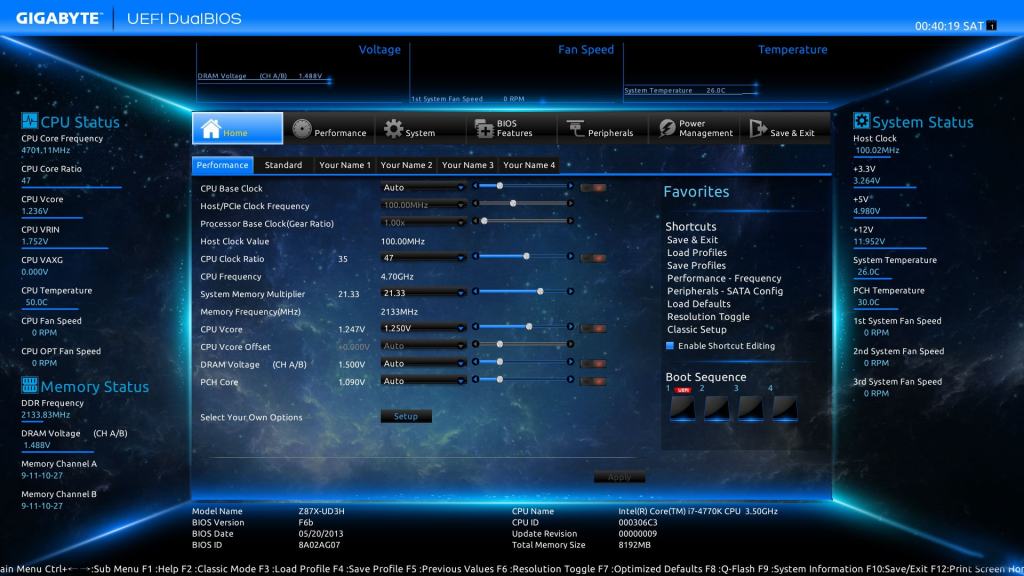
Firmware (UEFI)
Enabling UEFI Secure Boot mode is crucial for system security. This feature ensures that only authorized and unaltered software can be loaded during boot time by using digital signatures. Failure to enable Secure Boot leaves the system vulnerable to attacks that can compromise its integrity and bypass security mechanisms. To enable Secure Boot, access the… Read more
Last Modified:


 EireaNet